Built for ADHD. No diagnosis needed.

Start. Keep going. Stop when it’s time.

An alarm that gets you up, routines that never play the same way twice, and a lock for when the day is done.

For iPhoneApple WatchAndroid planned

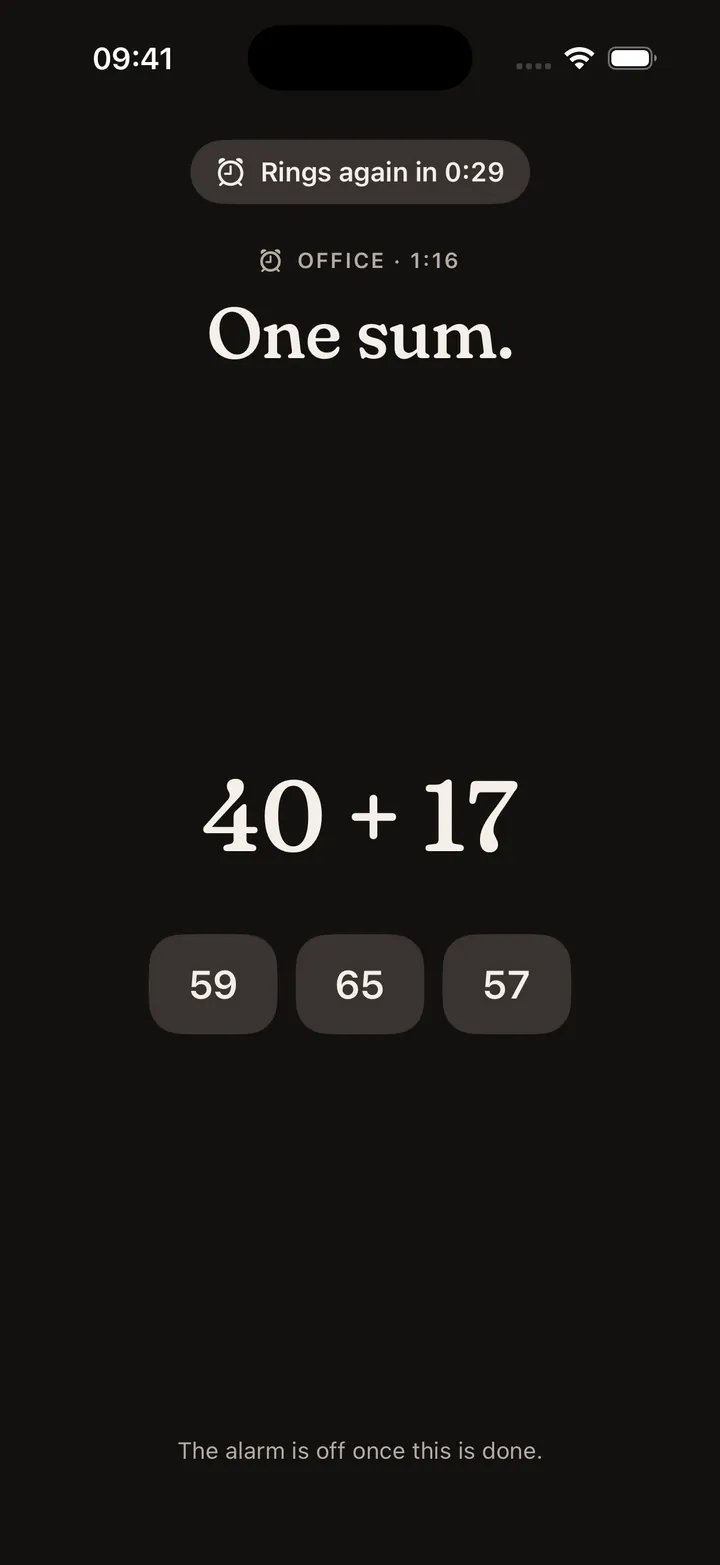
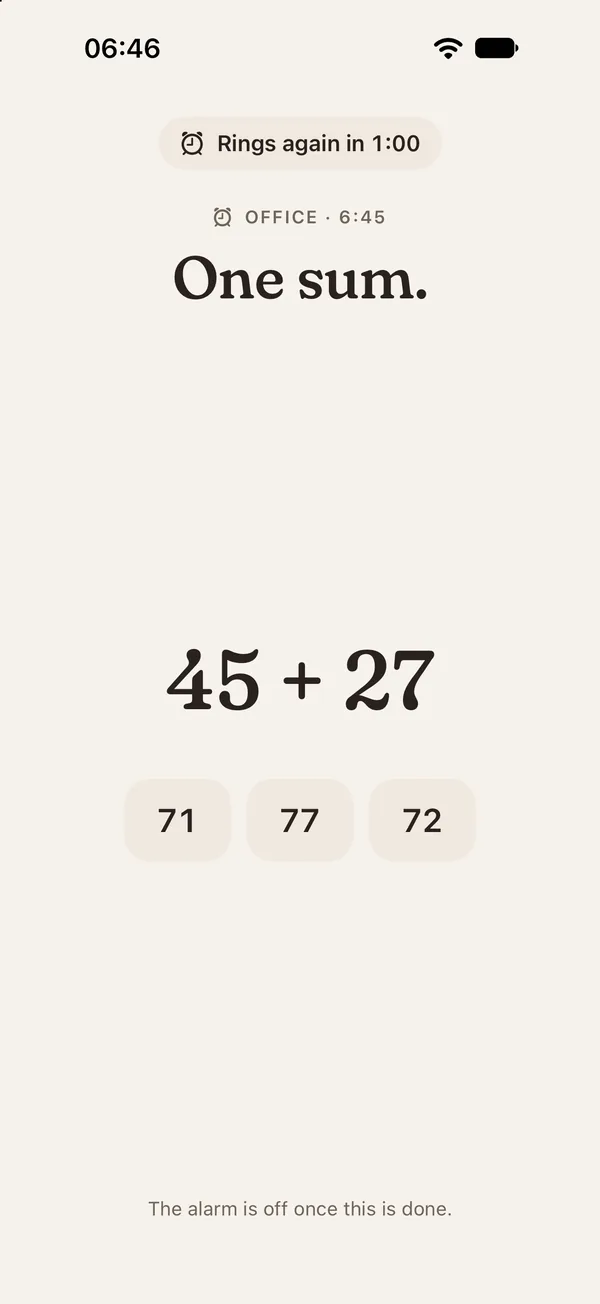
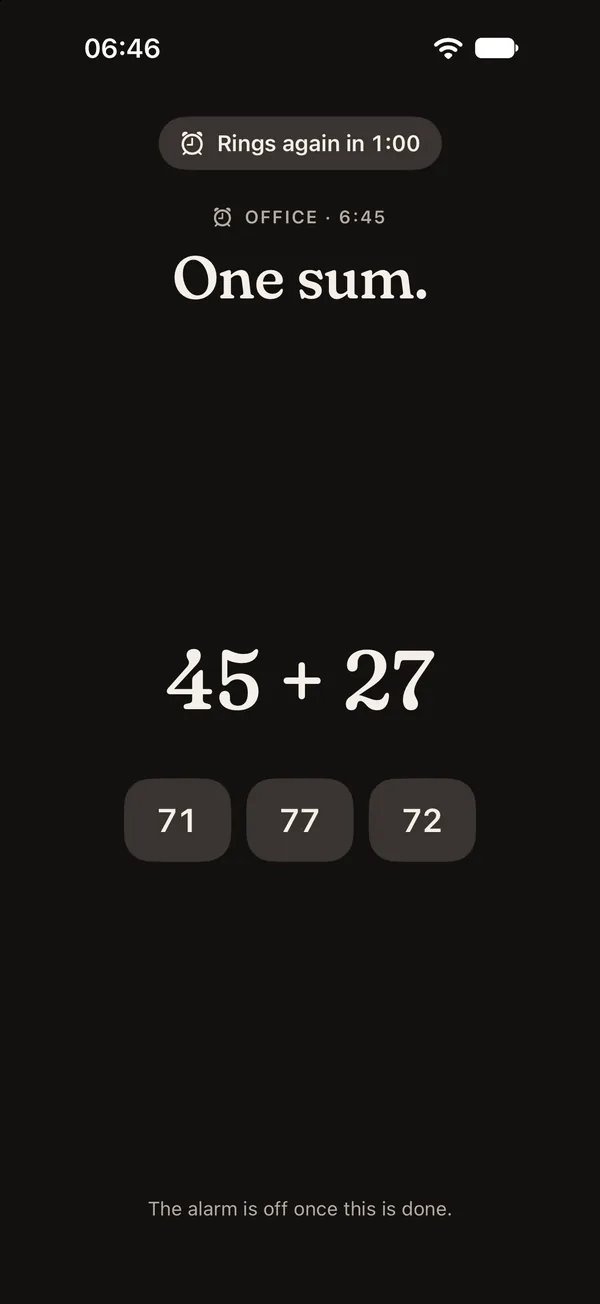
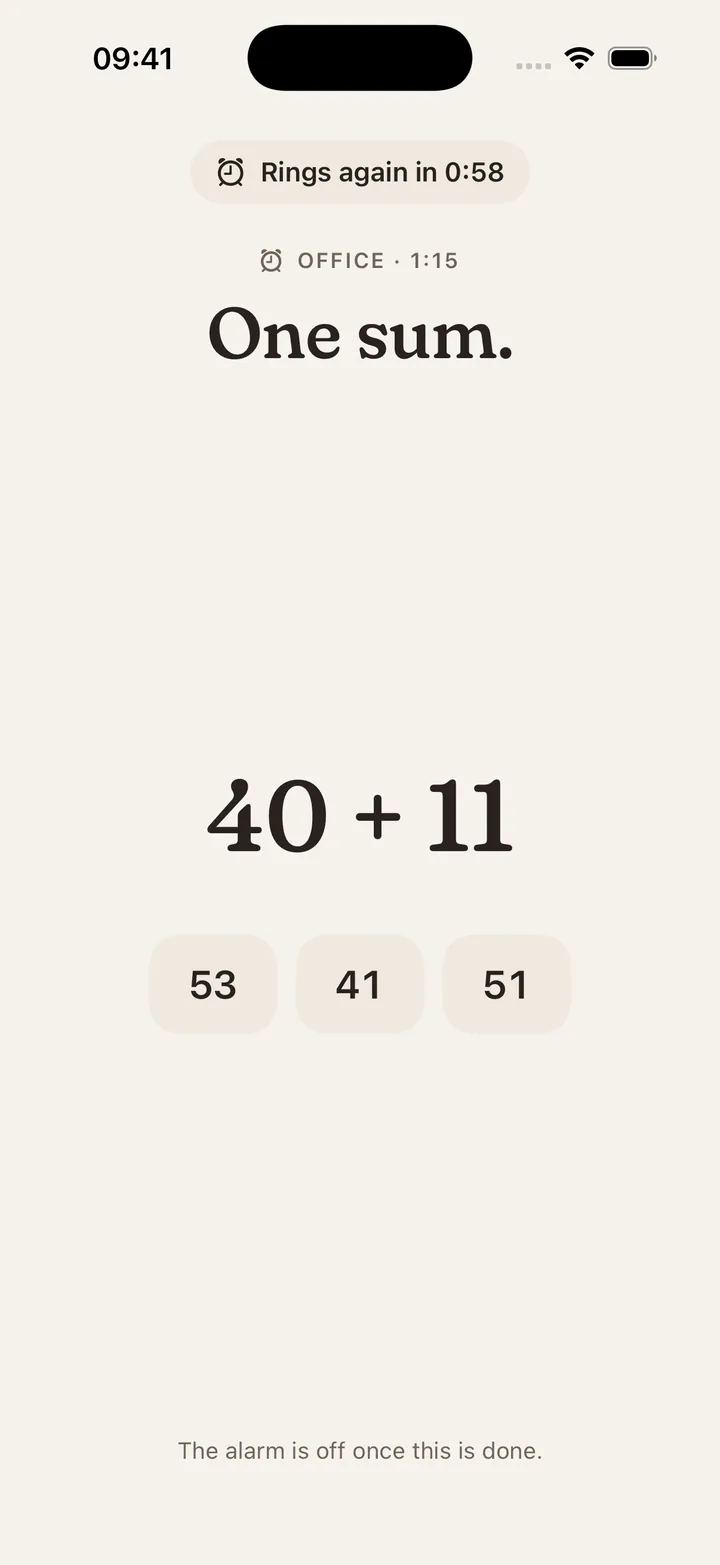
Alarm at 6:46: one sum, then it’s off.Alarm at 6:46: one sum, then it’s off.
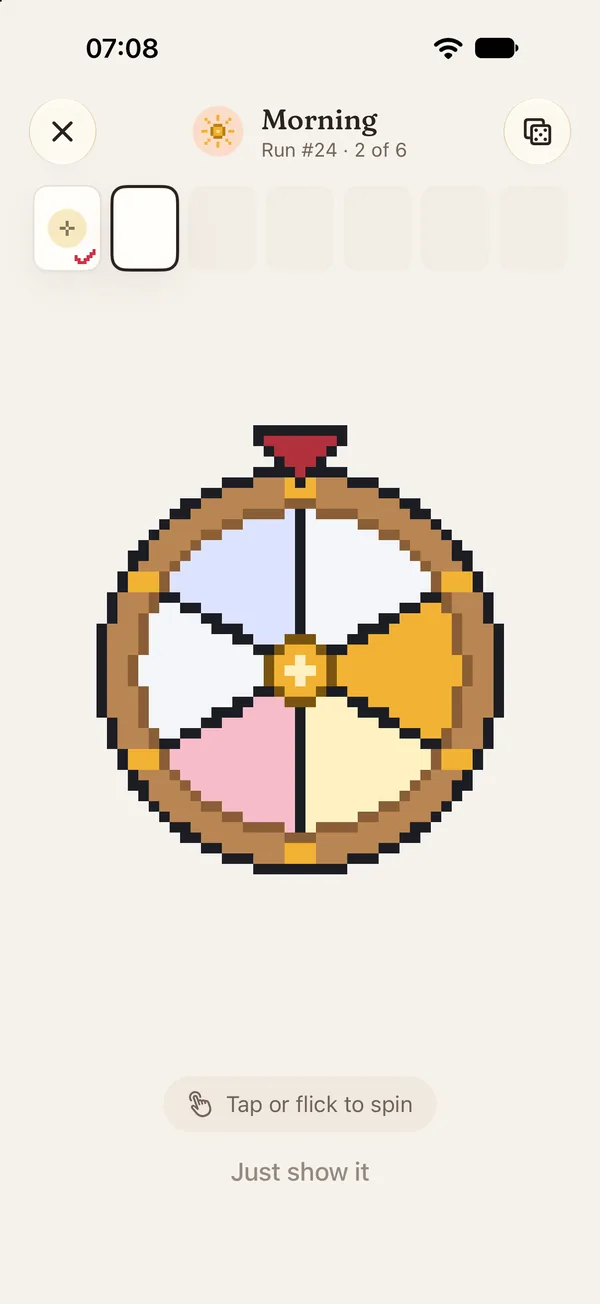
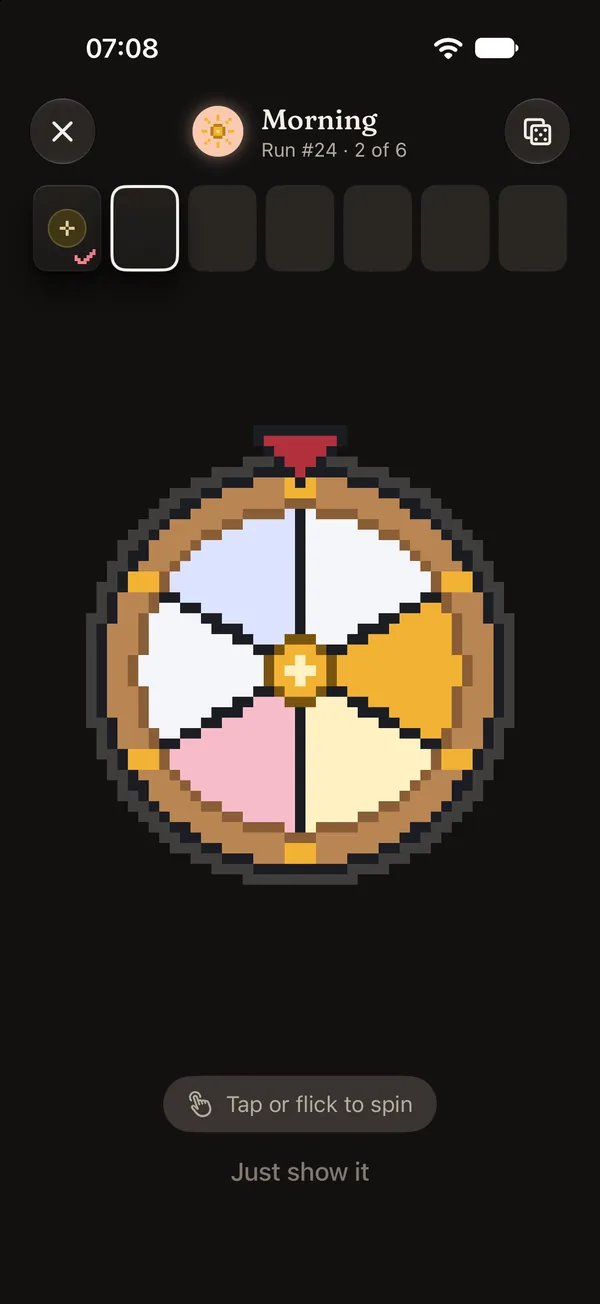
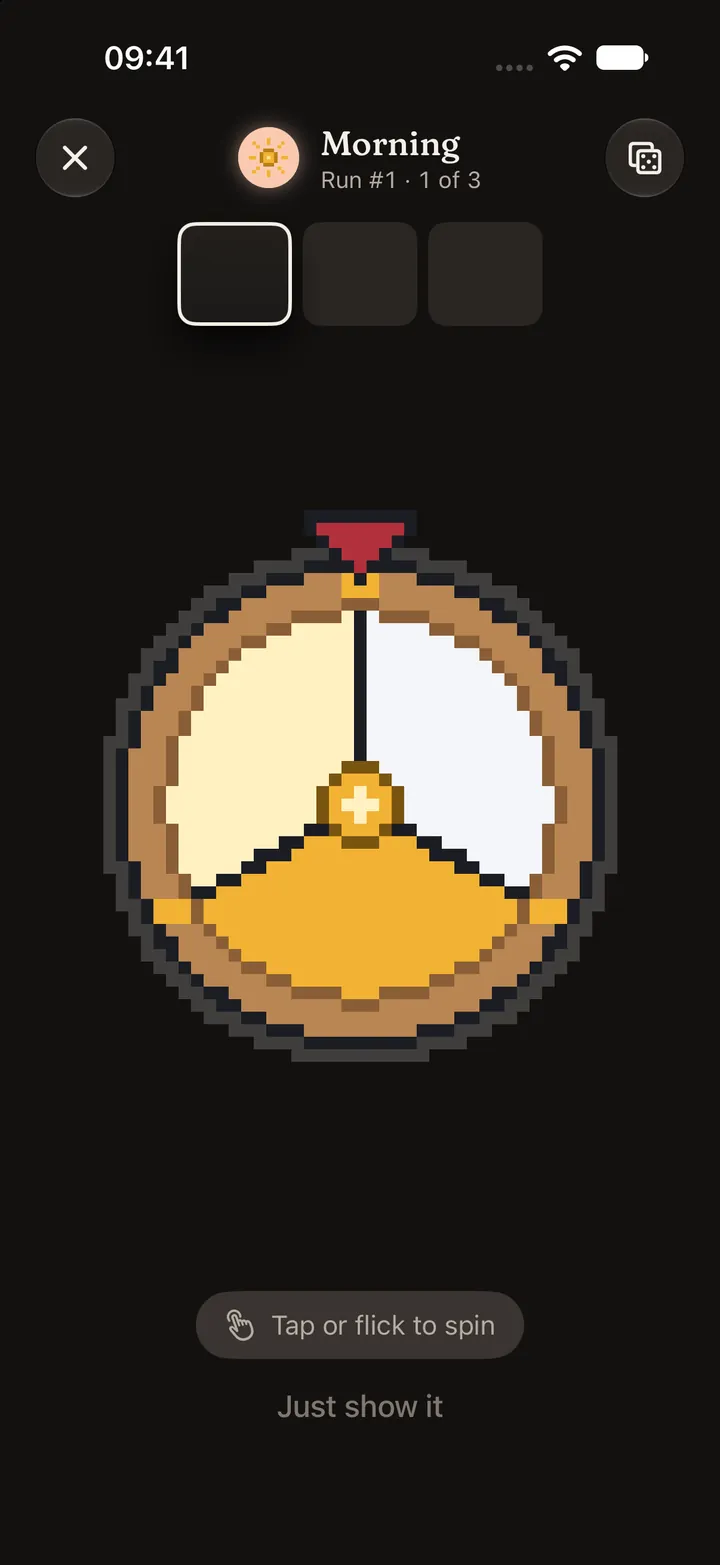
Morning run at 7:08: the wheel picks step 2 of 6.Morning run at 7:08: the wheel picks step 2 of 6.
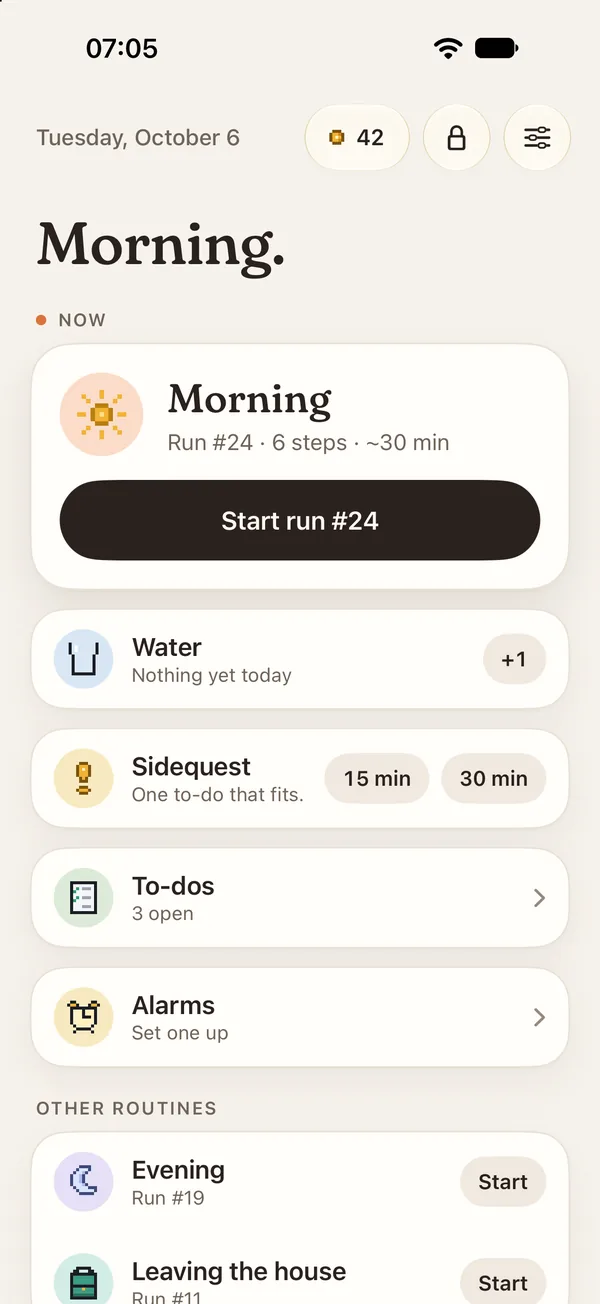
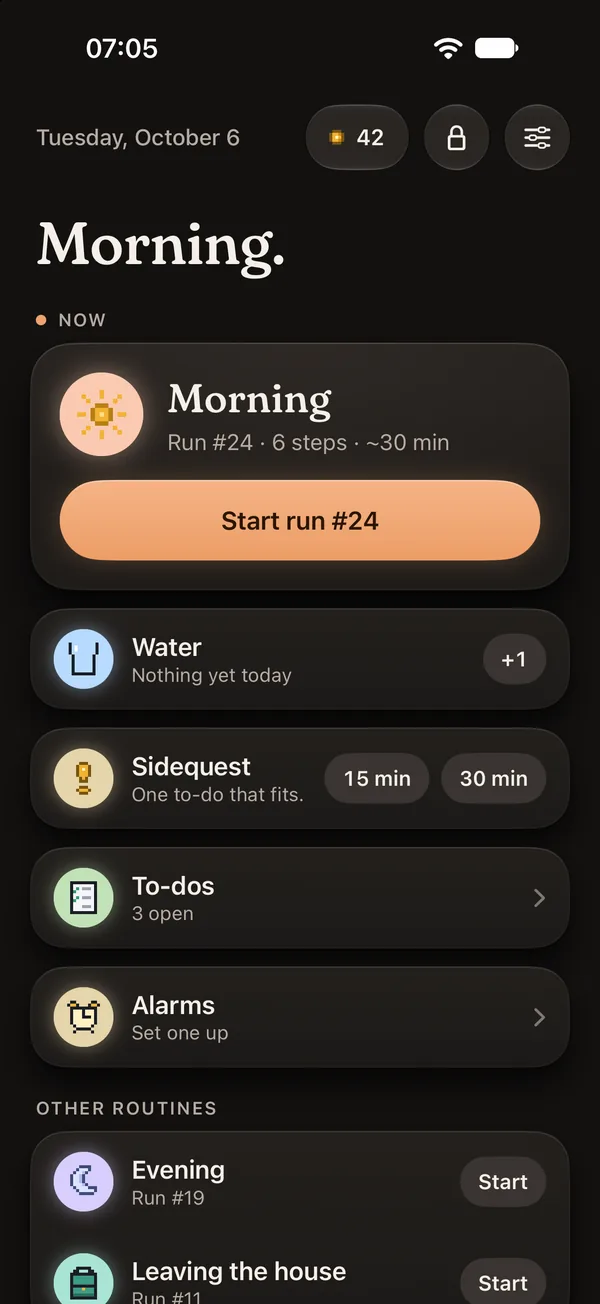
Not Yet, an ADHD-friendly routine app. Home at 7:05: the morning routine is ready, Run #24.Not Yet, an ADHD-friendly routine app. Home at 7:05: the morning routine is ready, Run #24.
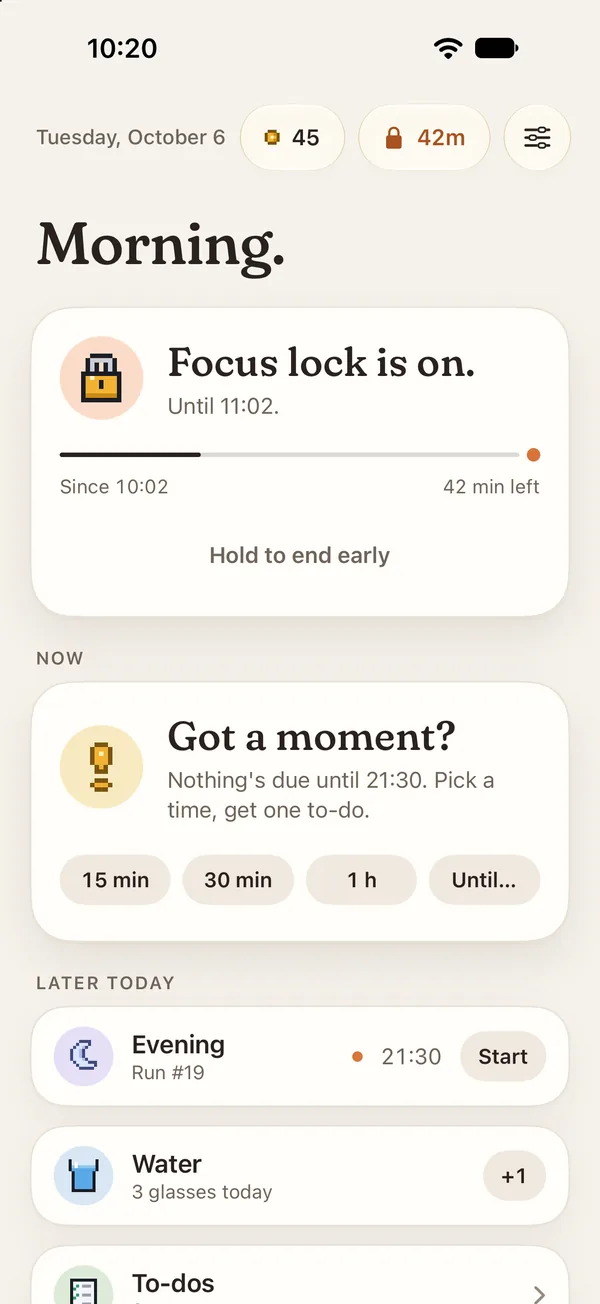
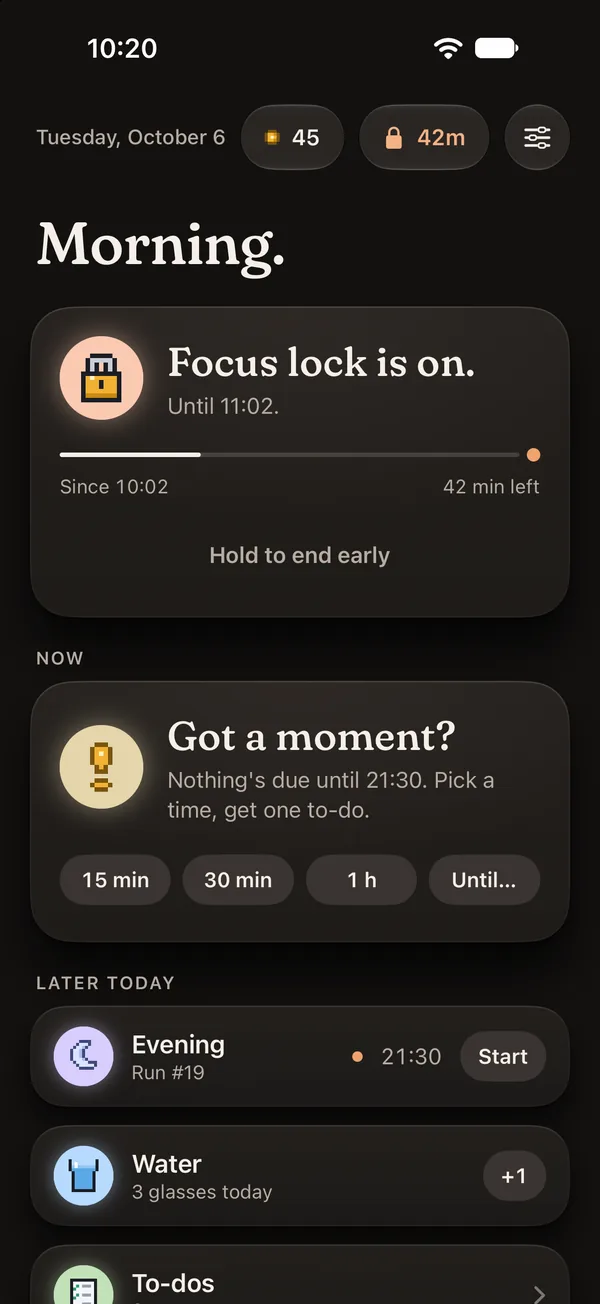
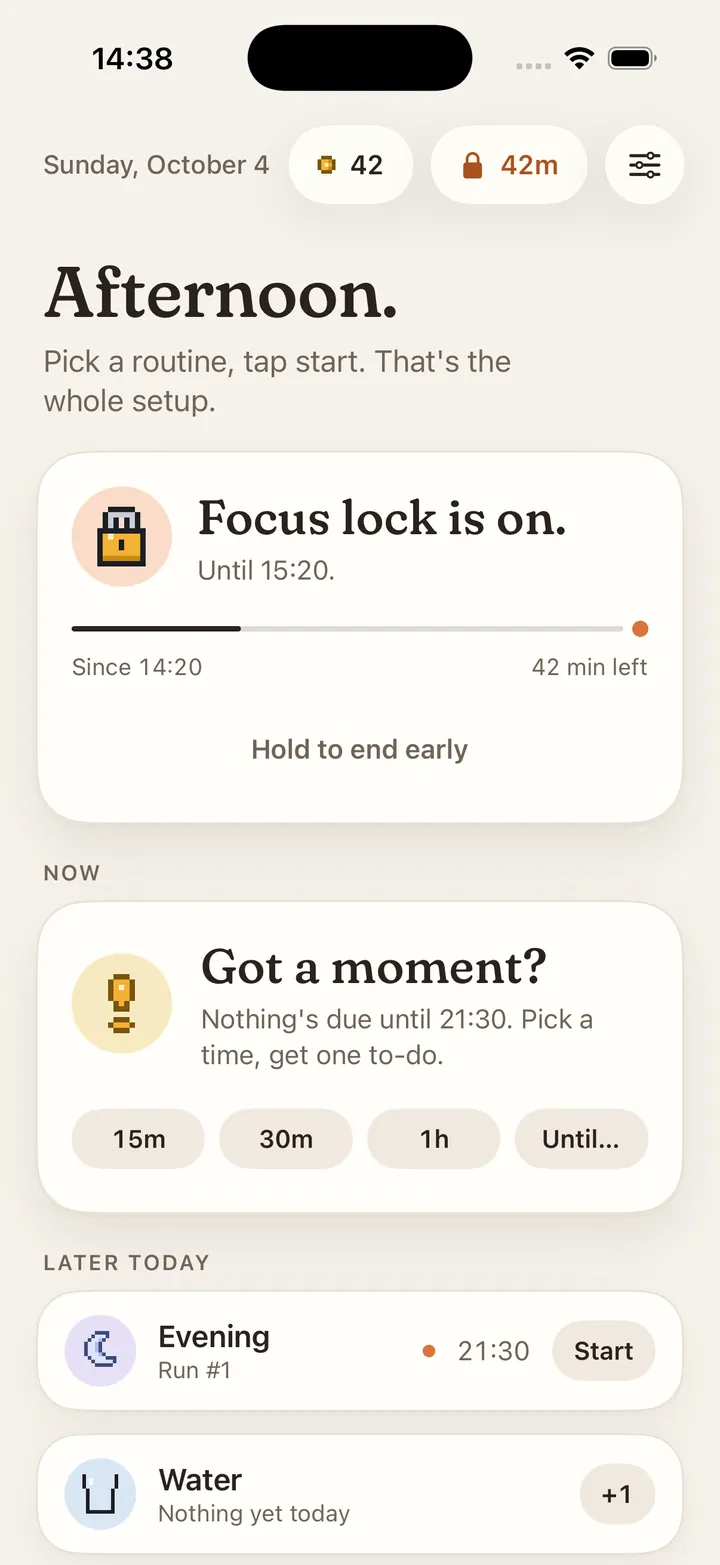
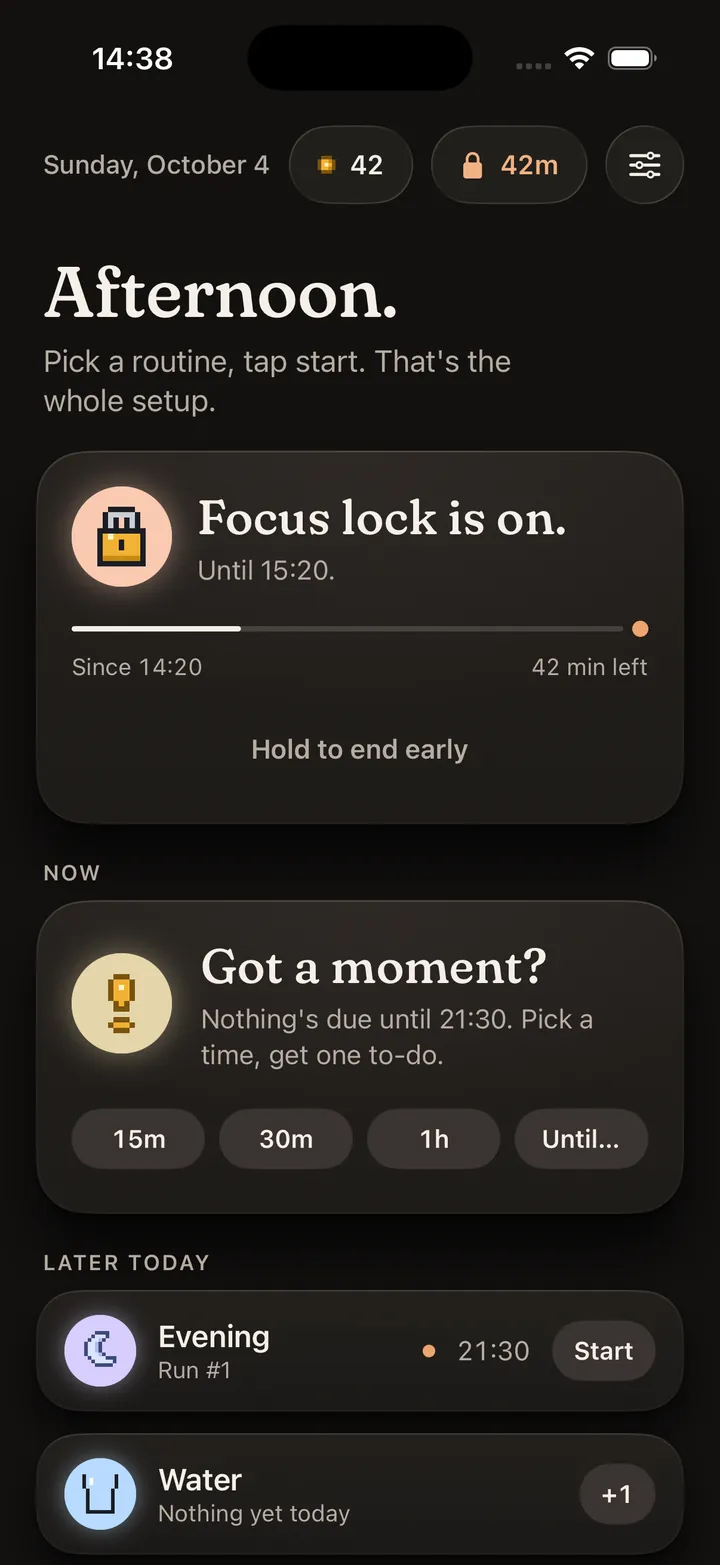
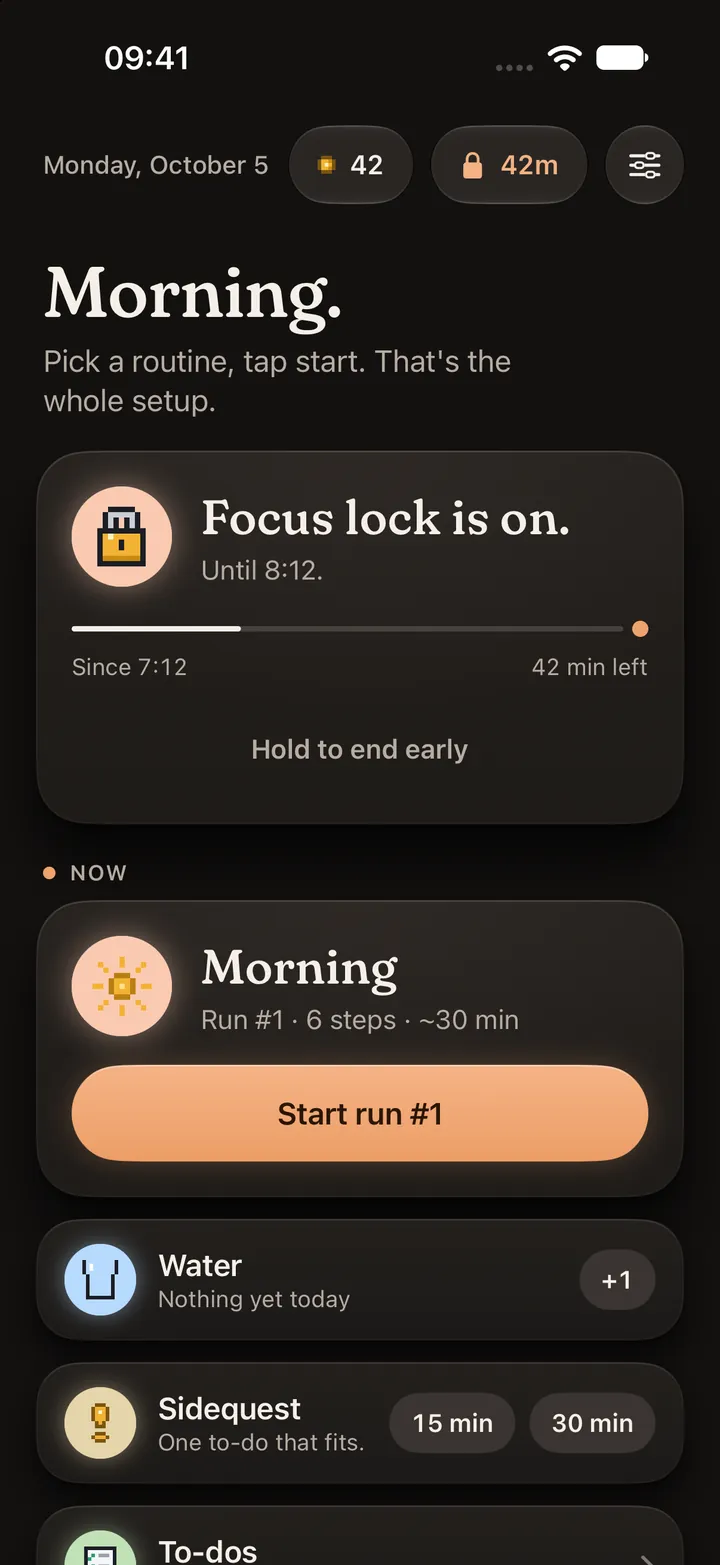
Focus lock at 10:20: 42 minutes left.Focus lock at 10:20: 42 minutes left.
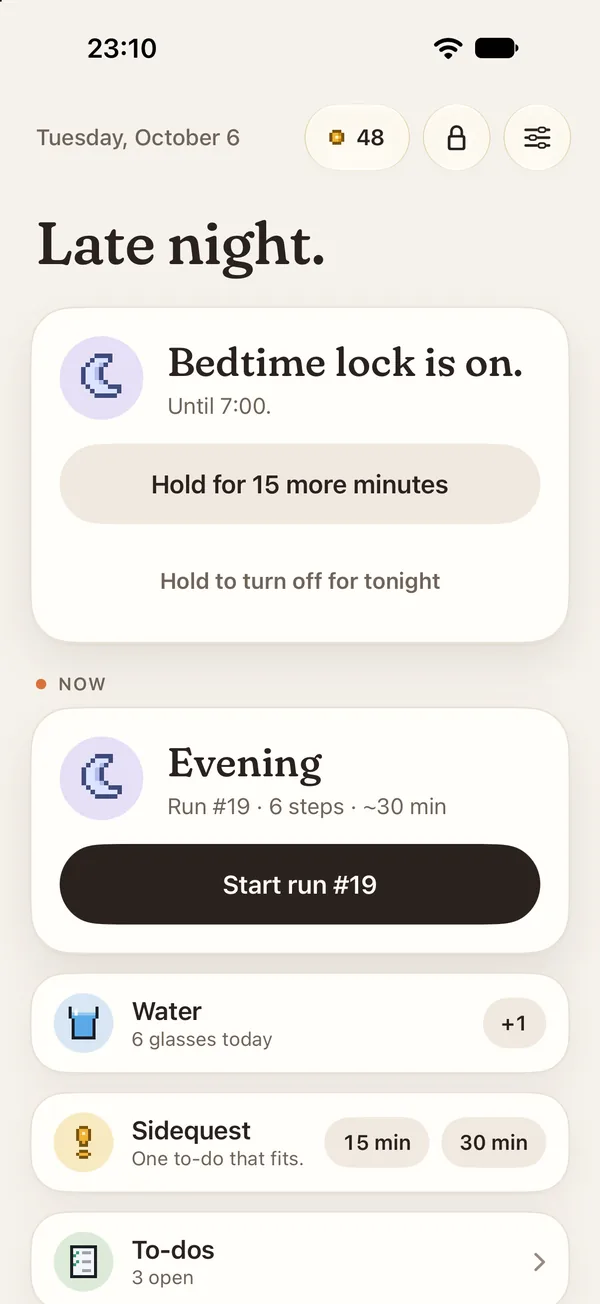
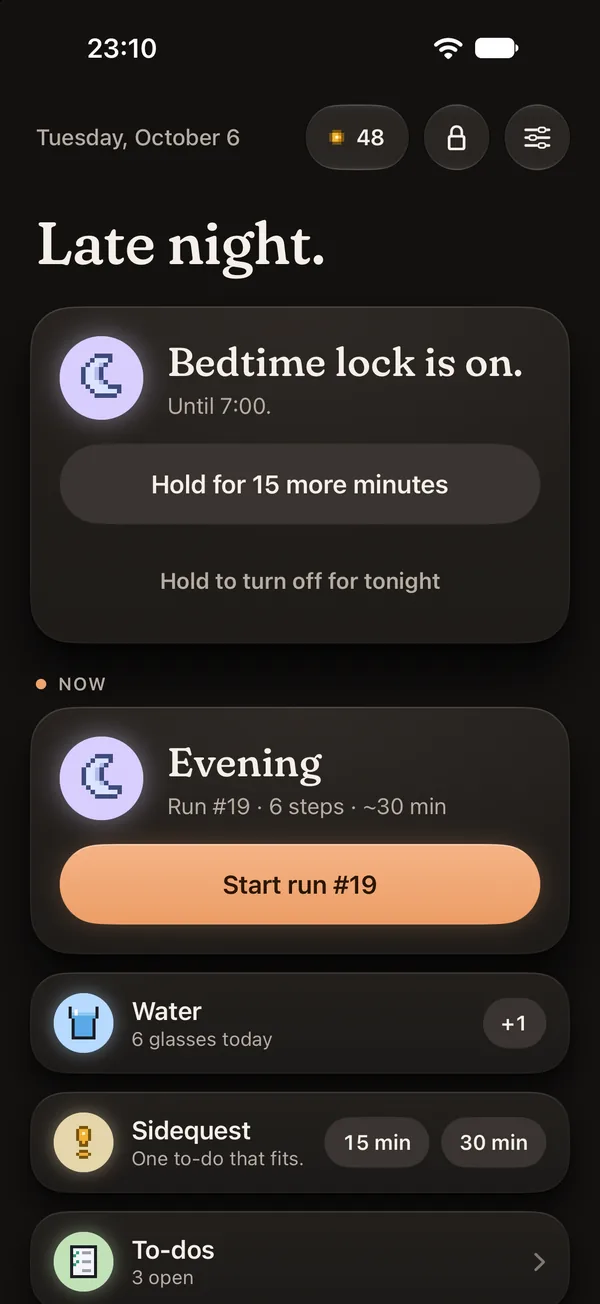
Late night at 23:10: Bedtime lock is on.Late night at 23:10: Bedtime lock is on.
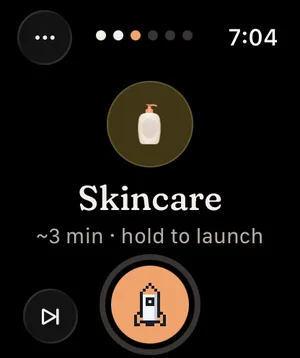
Apple Watch run: Skincare, step 3 of 6. Hold the button until the rocket lifts off.

Not Yet is a companion for the three hard parts of a day. Getting started. Staying with it. Switching off.

Routines, alarms, to-dos and locks in one calm place. Most of it works from the Lock Screen, a widget or your wrist, without opening the app.

Start · Stay · Stop

Made for the moments that usually go wrong.

Start

The first minute, handled.

  • Wake-up alarmIt stops when you solve a sum, shake the phone or scan a tag.
  • Start without the appThe routine shows up on your Lock Screen at its time. Start it right there.
Stay

Never the same for long.

  • RotationWheel, tickets, dice, boss fight. It changes before it gets old.
  • Focus lockThe apps that pull you away stay shut until the time is up.
  • Coins and your own rewardsSteps earn coins. Spend them on a coffee or an episode.

Stop

An actual end to the day.

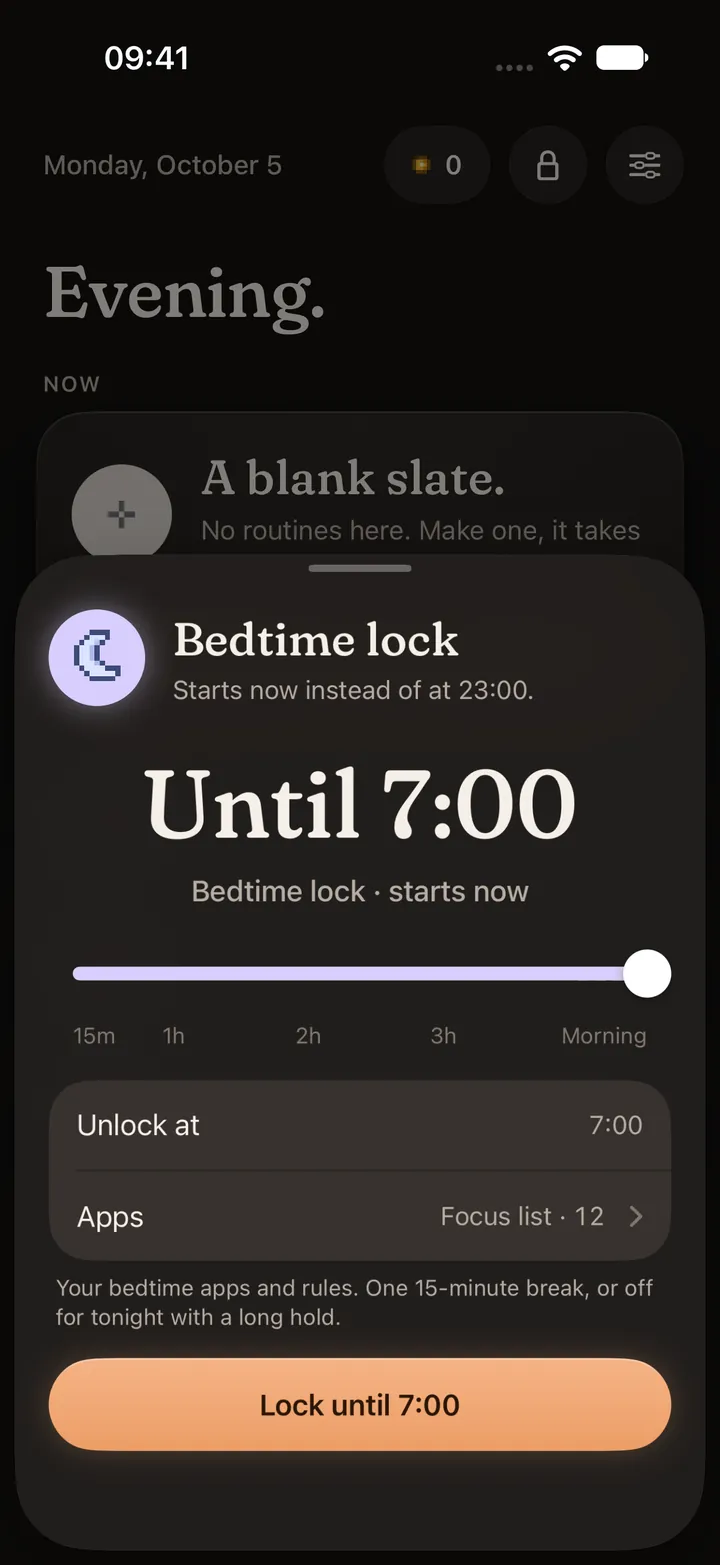
  • Bedtime lockFrom 23:00, the apps you pick stay shut until 7:00.
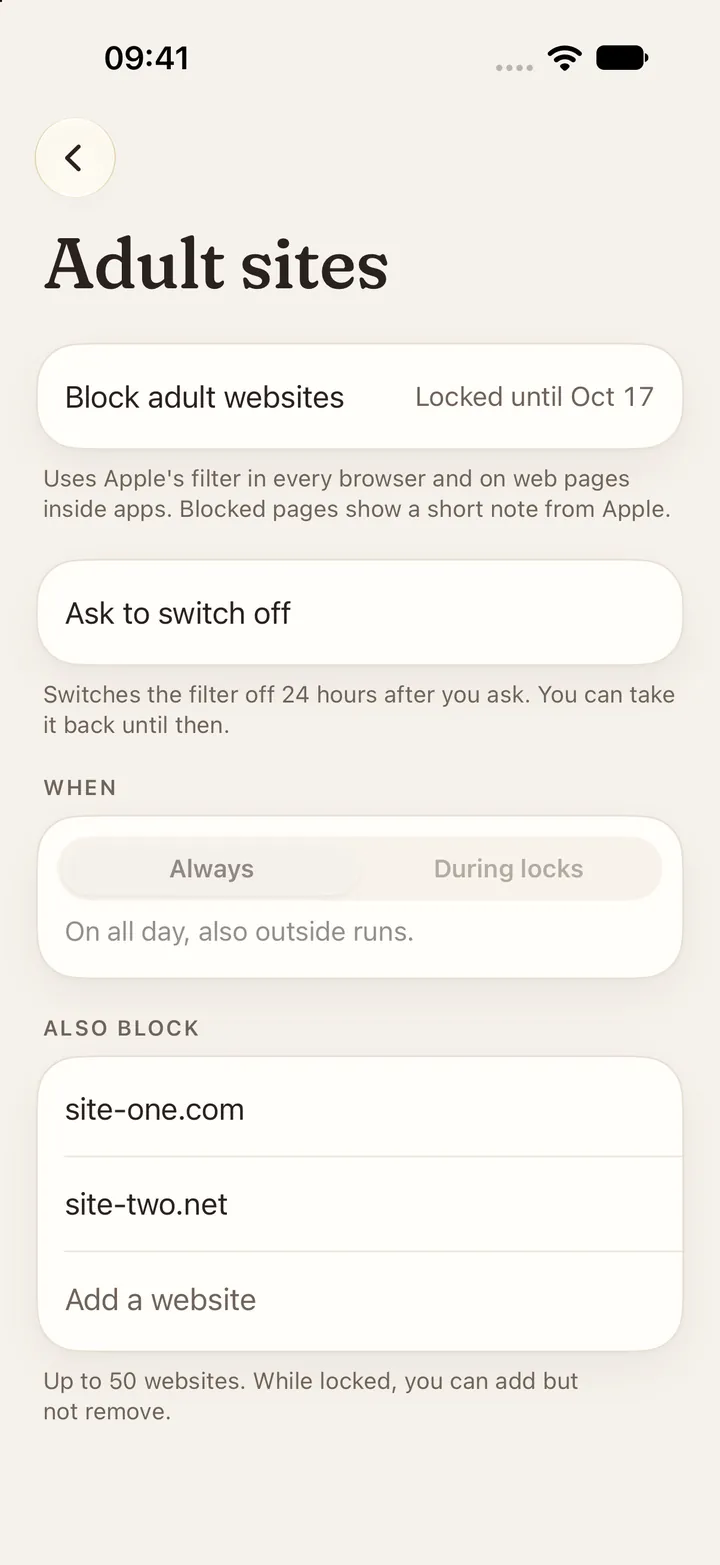
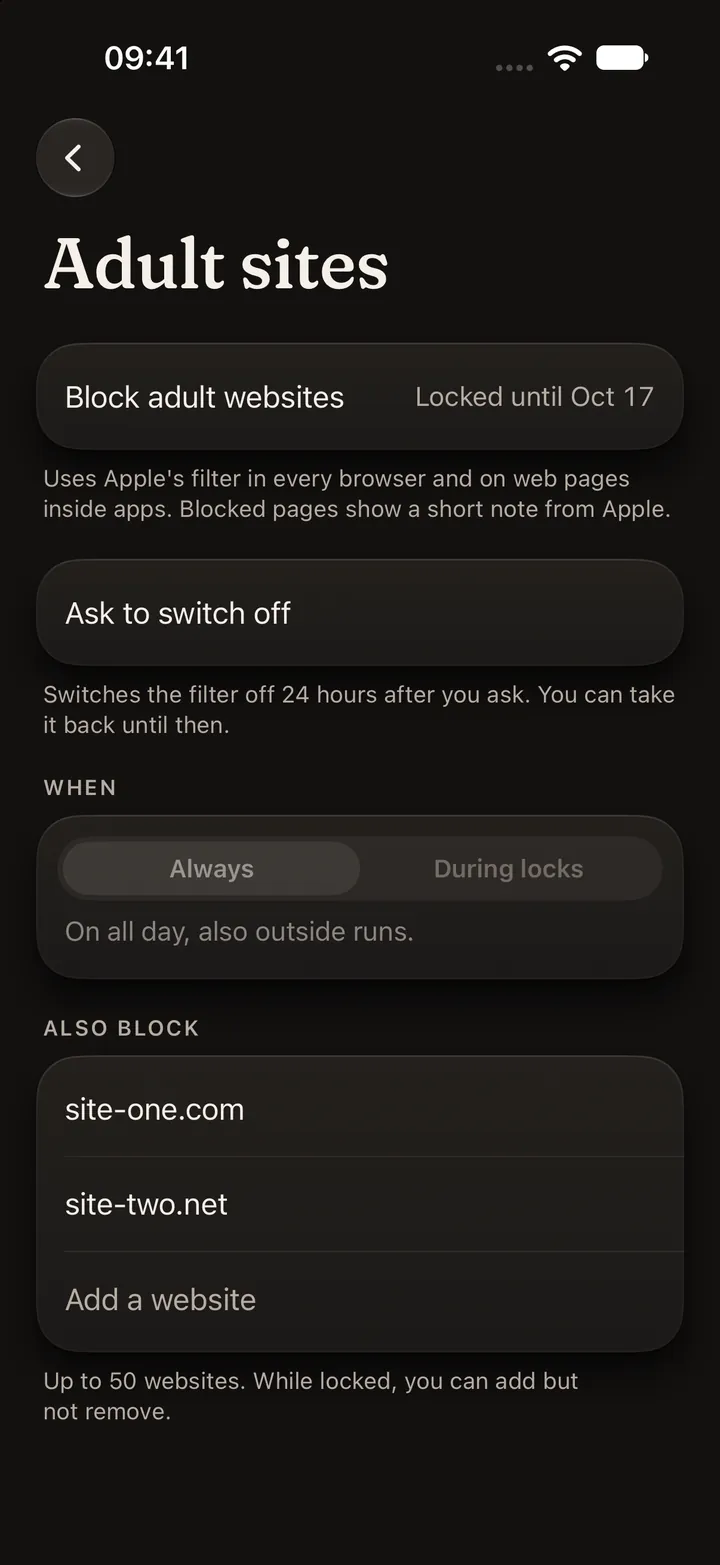
  • Adult sitesApple’s filter blocks adult websites, plus any you add. Turning it off takes 24 hours.

A day with Not Yet

6:45 to 23:00. One phone, six moments.

  1. The alarm wants one sum.

    One sum, then it’s quiet. By then you’re awake enough to stand up.

    Alarm task: solve one sum.Alarm task: solve one sum.
  2. Morning routine from the Lock Screen.

    Six steps, about 30 minutes. Today the wheel picks the order.
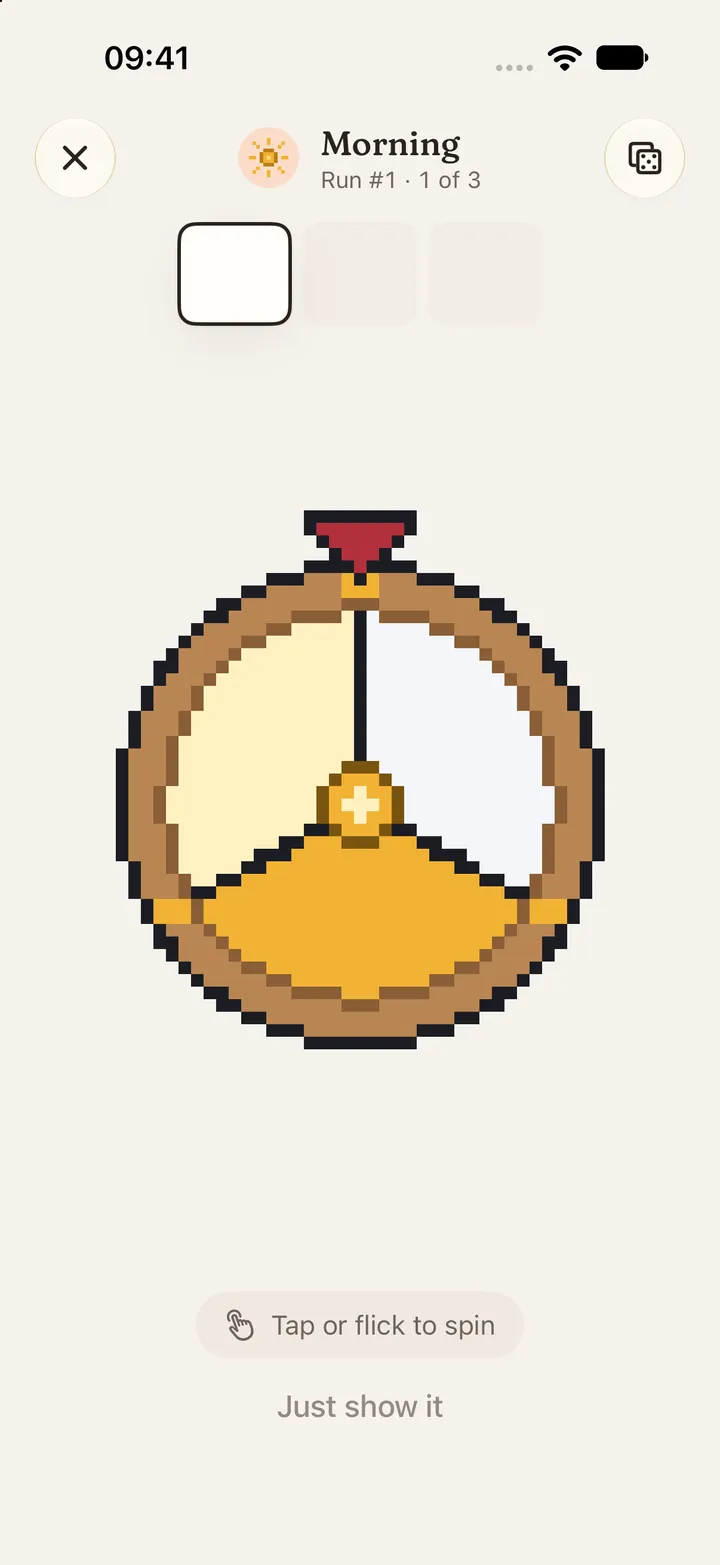
    A run with the wheel picking the next step.A run with the wheel picking the next step.
  3. Focus lock for the morning.

    The feeds you picked stay shut. Hold to end early if you really need them.
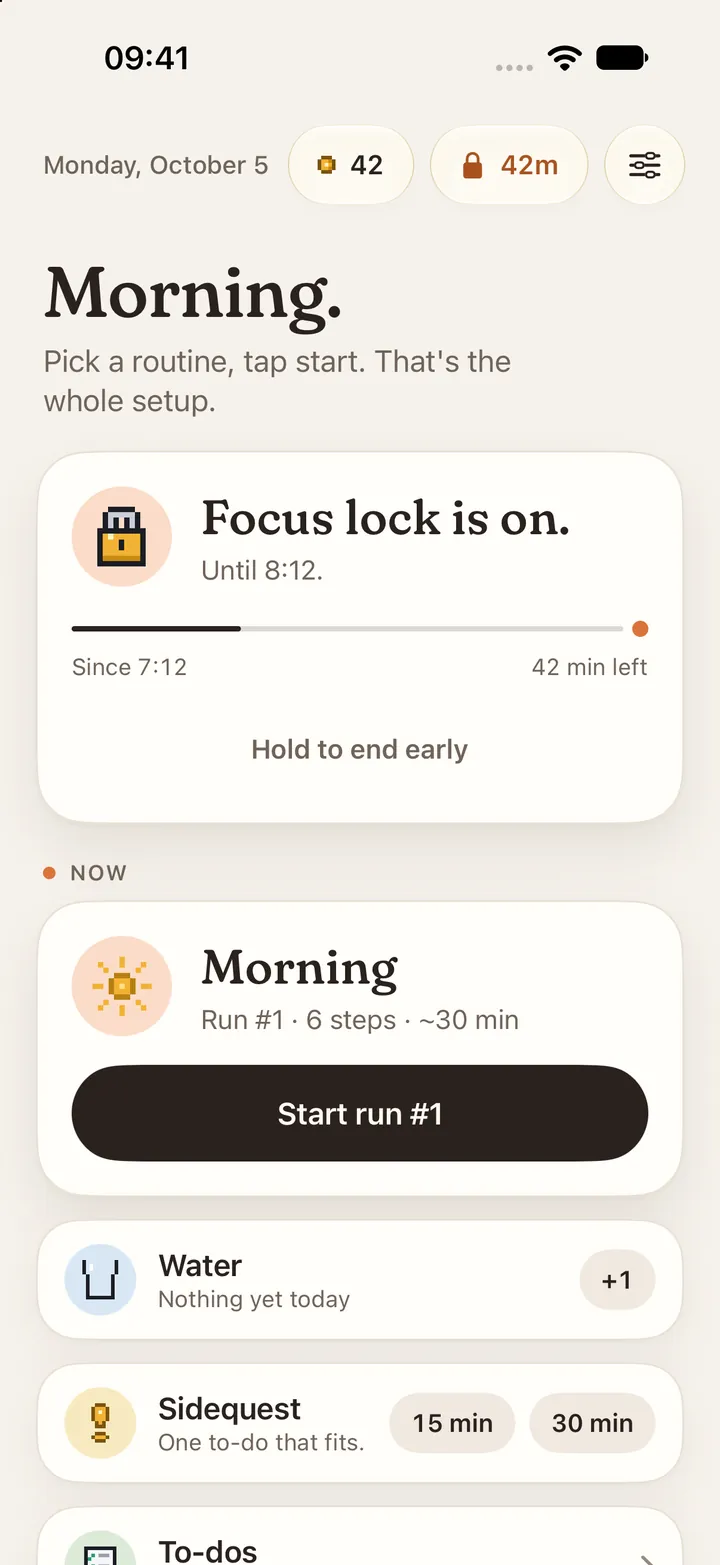
    Home in the morning: Focus lock is on.Home in the morning: Focus lock is on.
  4. A sidequest.

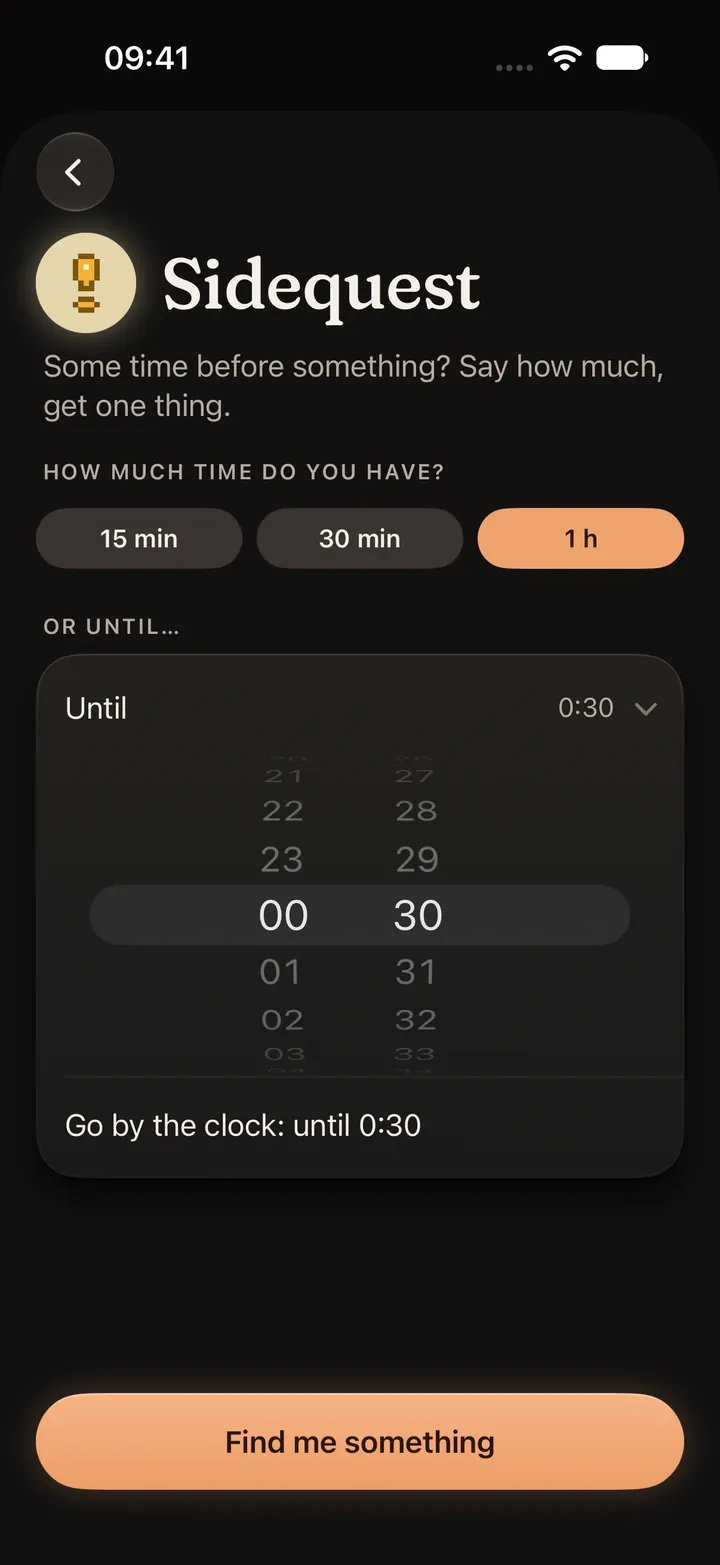
    Say how much time you have. Get one to-do that fits.
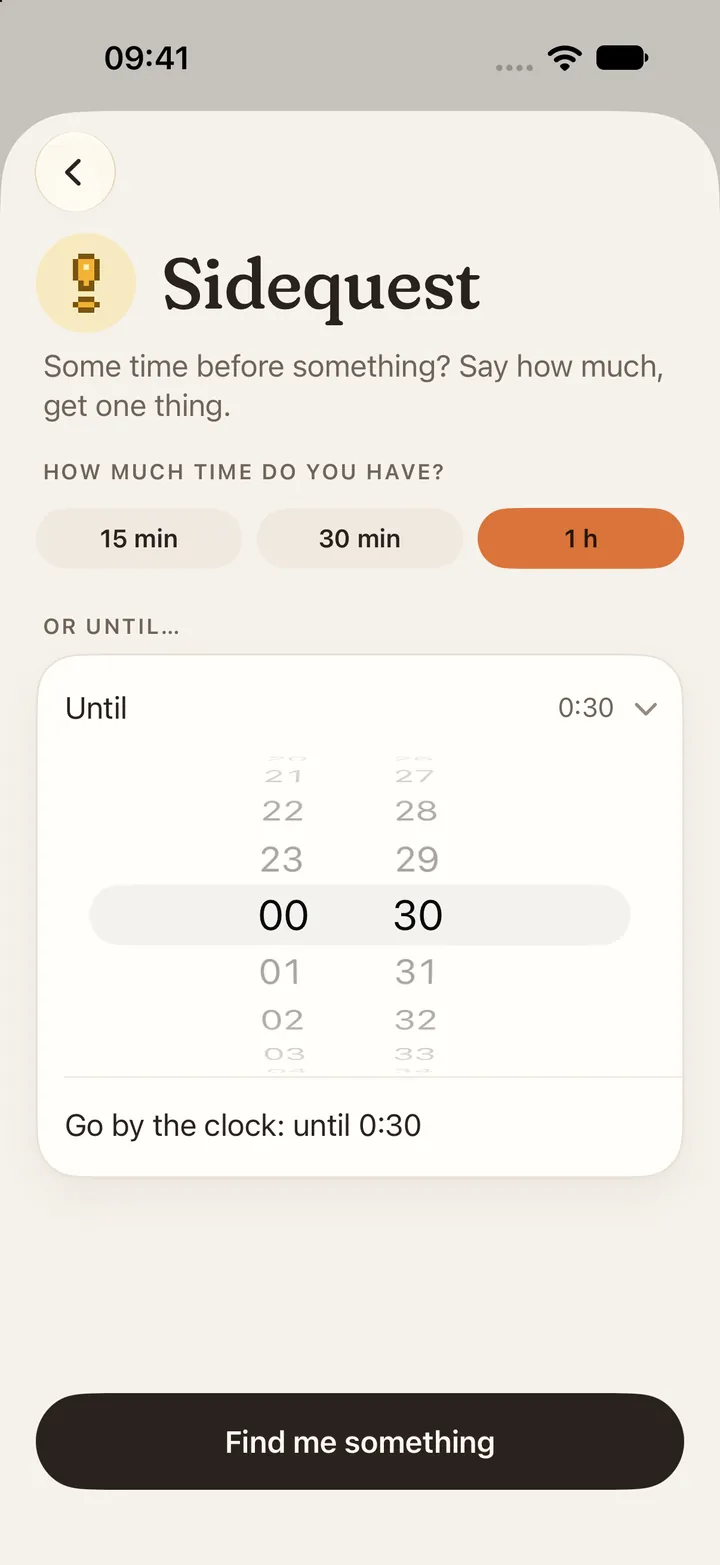
    Sidequest: pick how much time you have.Sidequest: pick how much time you have.
  5. Smash the piggy bank.

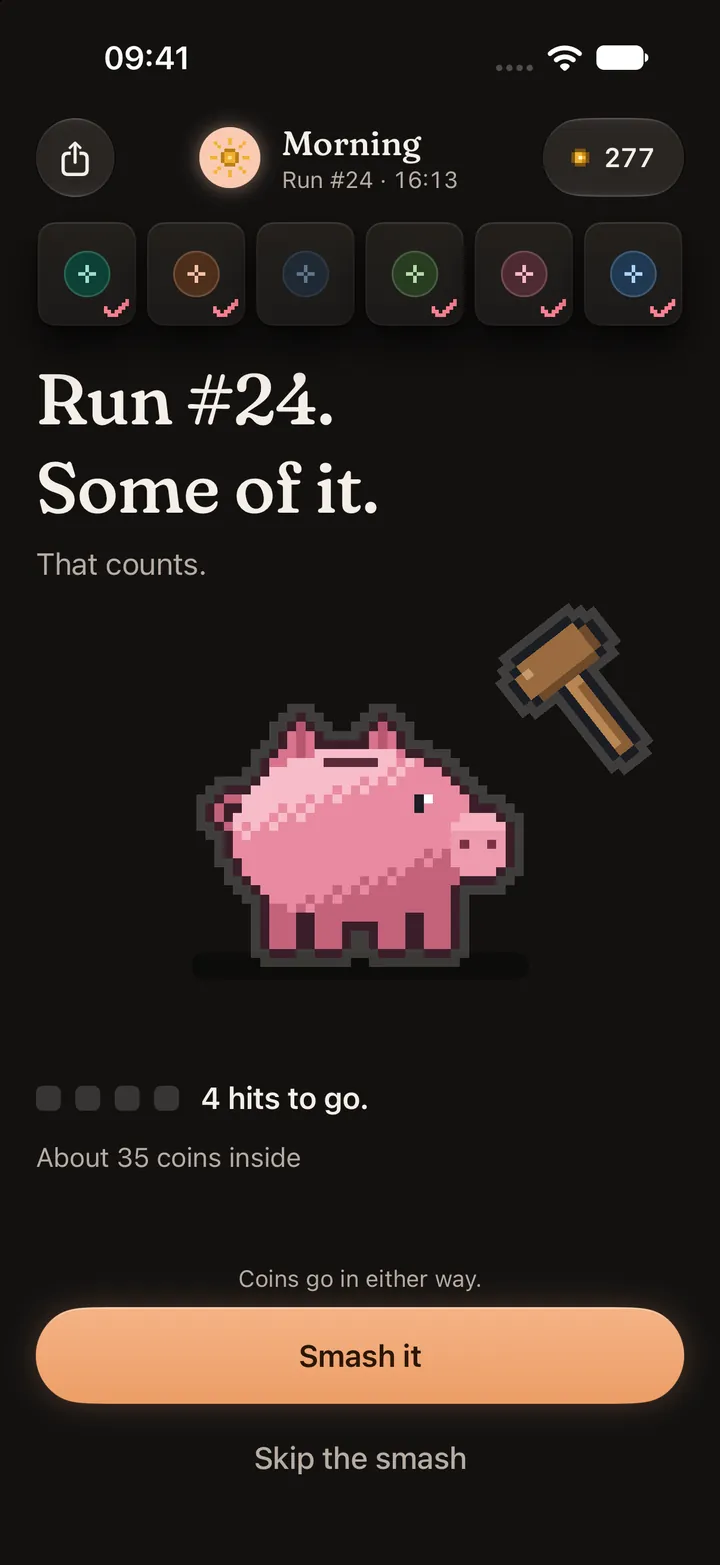
    Run #24 is done. Four hits to go. About 35 coins inside.
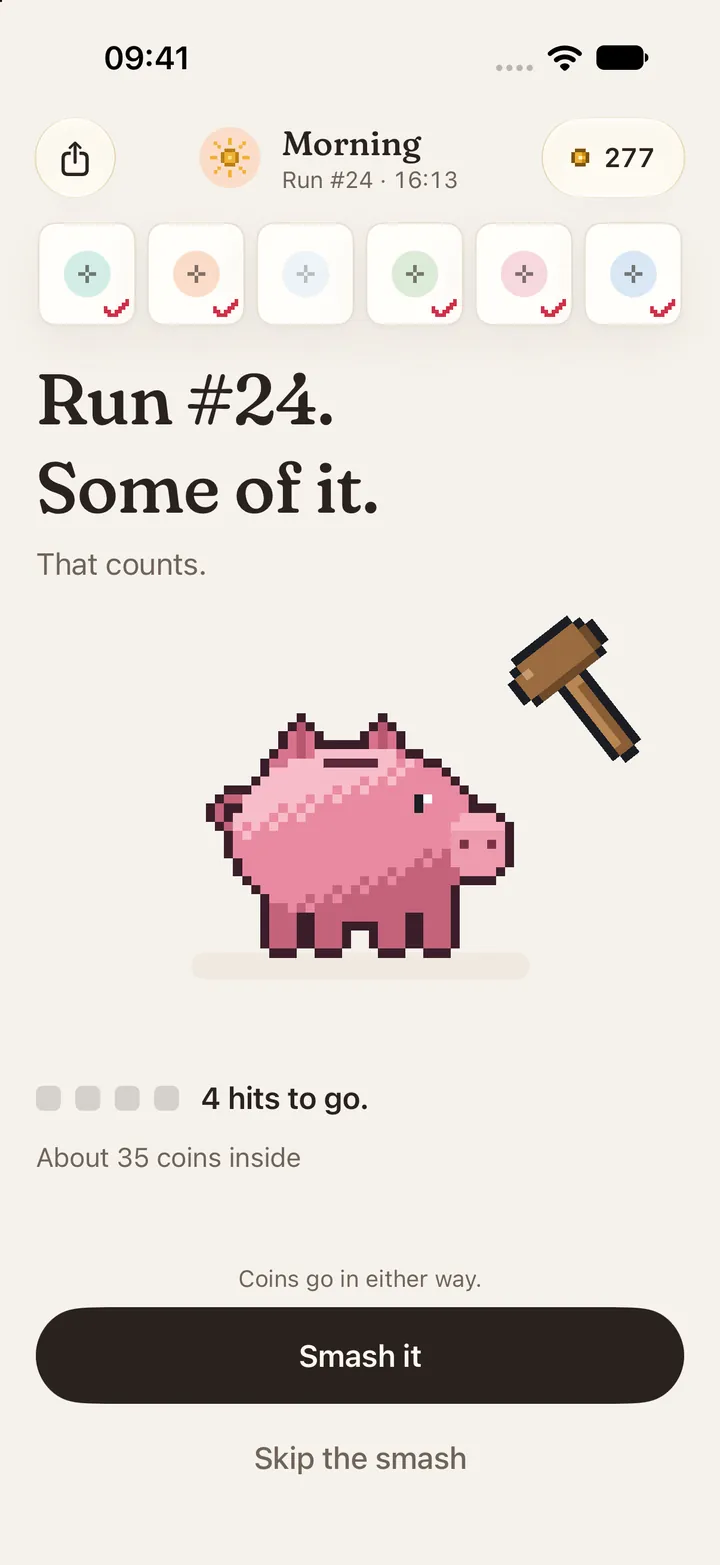
    Run end: Run #24, some of it, a piggy bank to smash.Run end: Run #24, some of it, a piggy bank to smash.
  6. Bedtime lock.

    The apps you picked go quiet until 7:00.
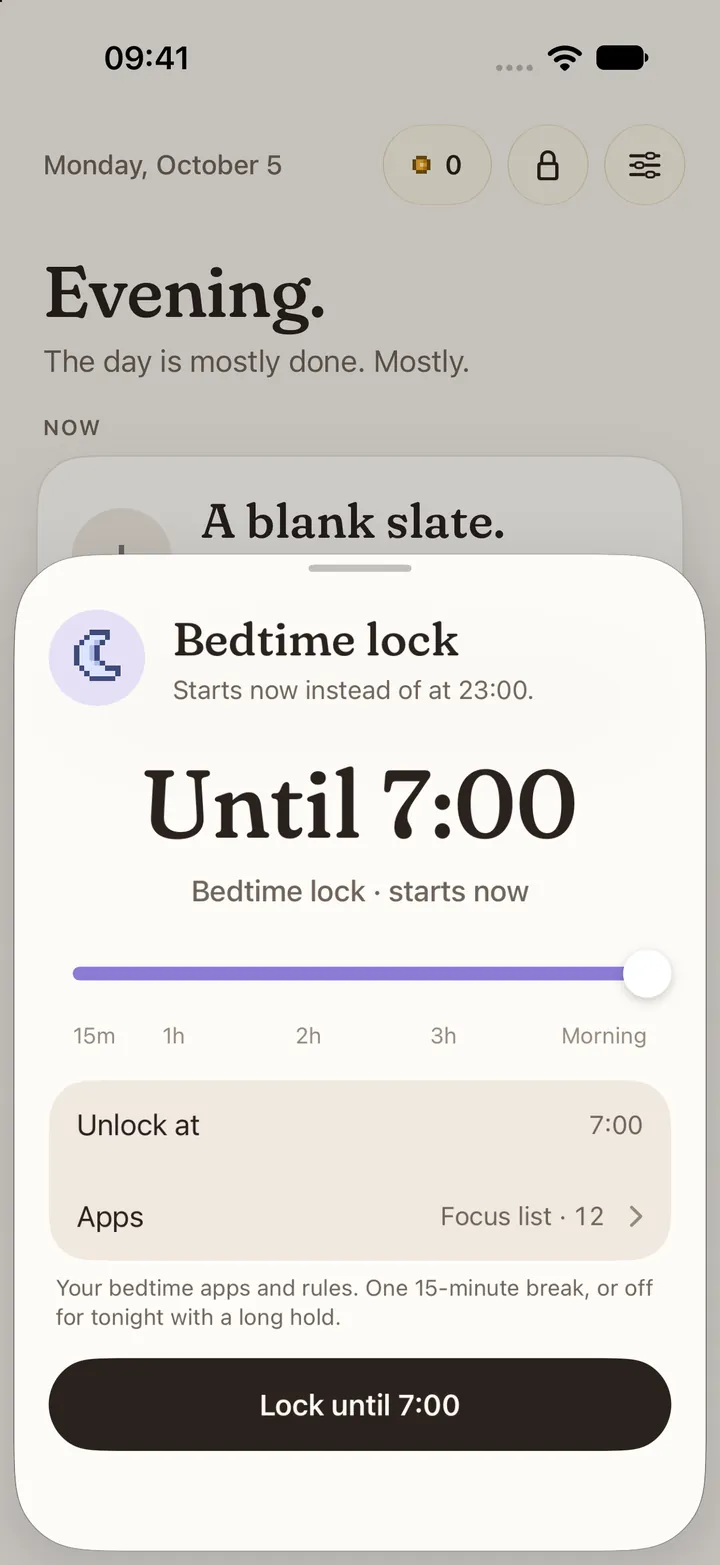
    Bedtime lock until 7:00.Bedtime lock until 7:00.

The rotation

Same steps. Never the same game.

The way a routine plays changes every few runs, before it gets old. Never back to one of the last two.

Wheel: tap or flick to spin.Wheel: tap or flick to spin.

Tap or flick to spin.

Also in the rotation: dice, boss fight, cards, blind run.

Where we stand

No streaks. No guilt. No red numbers.

  • Not this: You missed 3 days.Not Yet says: Run #24. Some of it. That counts.
  • Not this: Don’t break your streak!Not Yet says: Stopped for now. It stays on the list.
  • Not this: 12 tasks overdue.Not Yet says: Nothing’s due until 21:30.
  • Not this: You’re behind your goal.Not Yet says: Done. Nice.

And there’s more

Everything around the routine.

Apple Watch

Start a run, check off steps and log water from your wrist.
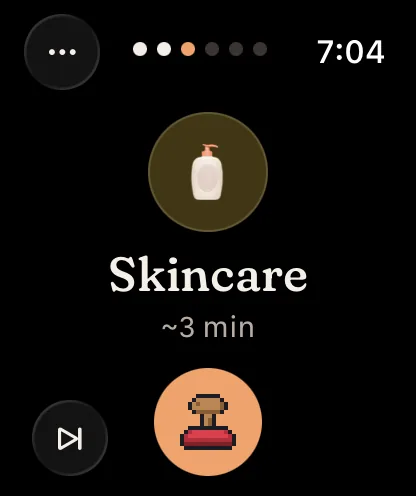
Apple Watch run: Skincare, step 3 of 6, checked off with a stamp.

Widgets and Live Activity

The current step on your Lock Screen. Check it off right there.

Small widget with the next routine.Small widget with the next routine. Medium widget with the current run.Medium widget with the current run. Live Activity on the Lock Screen.Live Activity on the Lock Screen.

Kiosk

Hammers, skins and things to smash, paid in coins.
Water

One tap per glass. From home, widget or watch.

To-dos and sidequests

Got 30 minutes? Get one to-do that fits.

Sidequest: how much time do you have?Sidequest: how much time do you have?

NFC tags

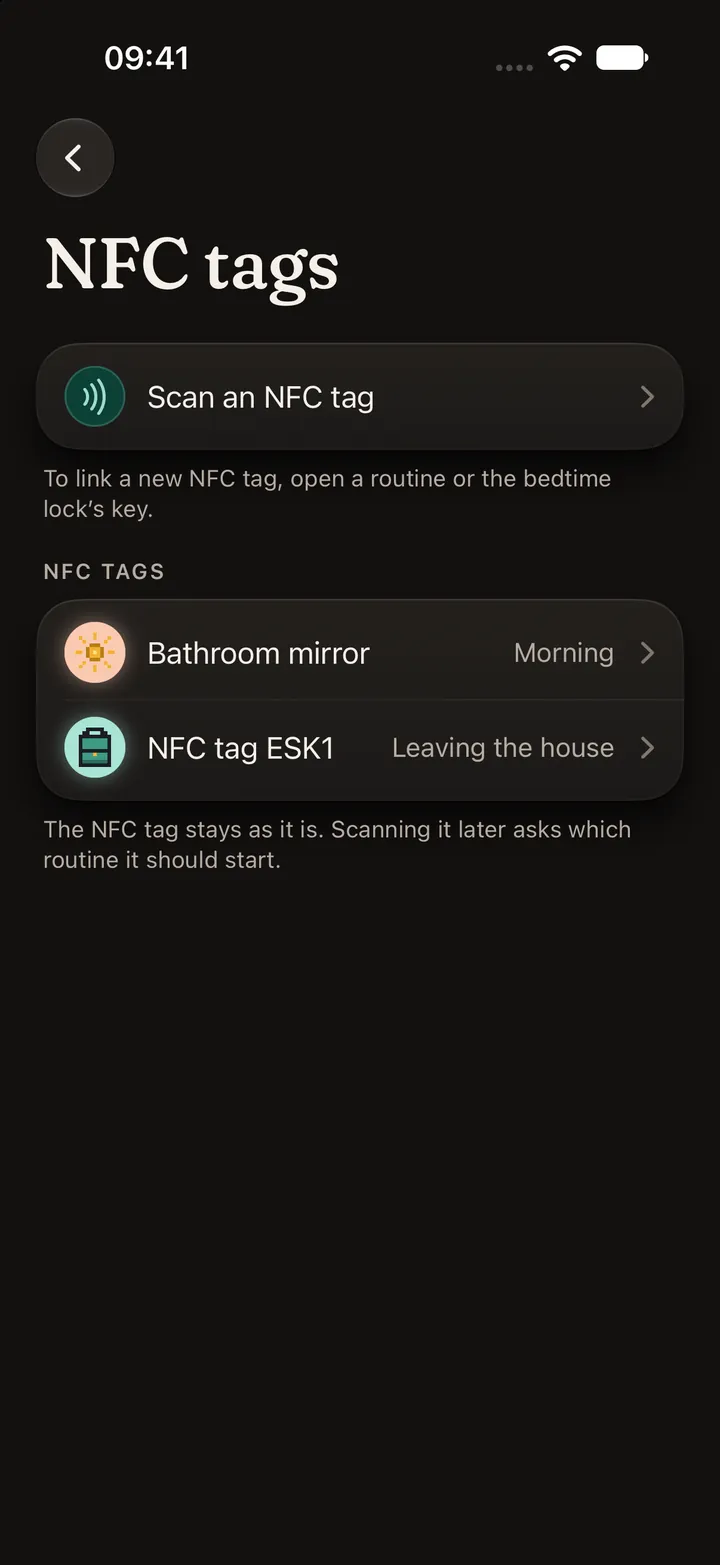
Tap the tag on your bathroom mirror. The routine that belongs there starts.
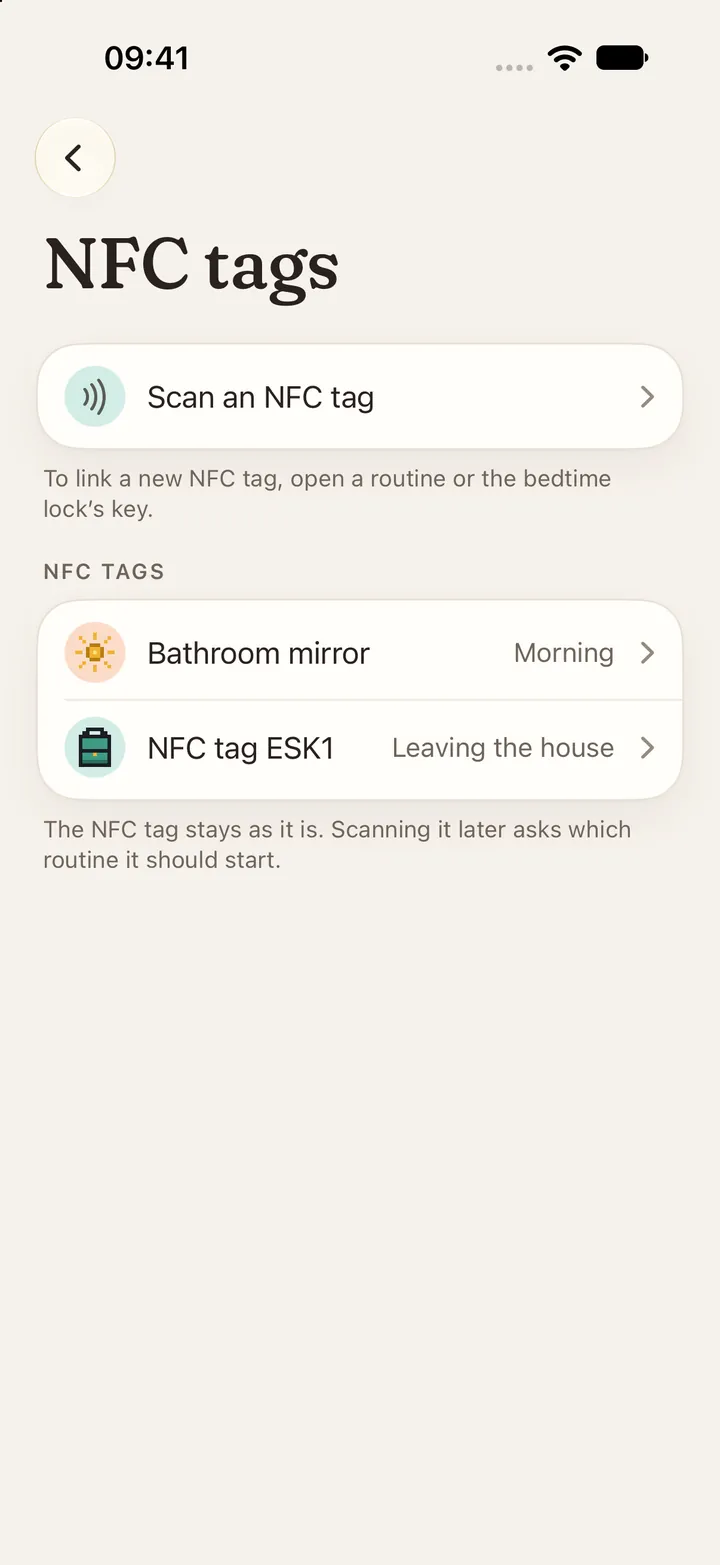
NFC tags linked to routines.NFC tags linked to routines.

What happens in Not Yet stays with you.

No account. No tracking in the app. Nothing to sign up for.

On your iPhone.

Routines, to-dos and runs are stored on the device.

In your own iCloud.

If you back up your iPhone to iCloud, Not Yet’s data goes with it. Into your account only.

No tracking in the app.

No analytics, no ads, no account. This website only counts visits, on our own server and without cookies.

Read the privacy policy

Questions? Answers.

Is Not Yet ADHD-friendly?

Yes. It’s built for ADHD: short steps, a routine that changes before it gets boring, and no streaks to lose. It helps anyone who finds starting or stopping hard. No diagnosis needed. It’s a companion, not a treatment.

Is there an Android version?

It’s planned, as its own native app. iPhone comes first.

Where is my data?

On your iPhone, and in your iCloud backup if you use one. There’s no account, and nothing is sent to us. Details in the privacy policy.

Does it work with Apple Watch?

Yes. Start a routine, check off steps, log water and see what’s next from your wrist.

Which iPhones does it run on?

Any iPhone with iOS 26 or later.

Can I try it now?

Yes, through TestFlight. Join the beta right on your iPhone. You need iOS 26 and Apple’s TestFlight app. If the beta is full, write to info@not-yet.app.

Beta

Not in the App Store yet.
On TestFlight now.

  • iPhone · in development
  • Apple Watch · included
  • Android · planned
Join on TestFlight

Or write to info@not-yet.app. Needs iOS 26.

Run end: Run #24. Some of it. That counts.Run end: Run #24. Some of it. That counts.